
News
MOUSE SCROLL NOT WORKING AFTER UPDATE
Posted by Online Staff on
You need to delete the devices under MICE in the device manager and allow the system to research for them. 1. Open Device Manager by Right Clicking the Windows Logo in the left corner and choosing 'Device Manager' 2. Go to Mice - Expand by clicking on the arrow 3. Delete any items under here by pressing the delete key and accepting the change 4. Once there are no more devices under Mice use the ALT and arrow buttons to choose ACTION and Scan for changes. 5. The mouse should be found and be working ok, if not reboot the...
IMPORTANT - PROBLEMS WITH WINDOWS AFTER APRIL UPDATE
Posted by Online Staff on
PC won't boot after installing the KB4103721 Version 1803 patch for Windows 10 April 2018 Update Microsoft is working hard to fix bugs in the Windows 10 April 2018 Update, however a recent cumulative patch, titled KB4103721 Version 1803, which aimed to address some of the issues found in the update, looks like it actually causes some problems on certain PCs. Apparently, after installing the patch, some PCs are no longer booting, and are instead simply showing a black screen when turned on. To fix this issue, you’ll need to enter Safe Mode, which will require booting Windows 10 from a...
NVIDIA SHORTAGE DUE TO CRYPTOMINERS
Posted by Online Staff on
The price of all NVIDIA cards have seen a huge hike in price in the last few weeks due to availability. As such we recommend sticking to lower cards for the time such as the GTX 1050 as this hasn't risen as drastically. NVIDIA have asked suppliers to restrict sales to 2 per customer so this may see a decline in the availability for miners, but this will still take a while to see any decrease in price. As such our prices may be changing constantly as the purchase price is reflected in the end user price. As an example...
MERRY CHRISTMAS
Posted by Alan AC TECHNOLOGY on

Merry Christmas to all of our customers. Here are a few questions that we have been asked already today.... 1. No signal - you have connected the monitor or TV to the onboard graphics card and not to the gaming graphics card. This is lower down and is often a black connection that you may not see at first. 2. No HDMI - the HDMI is next to the DVI and may have a small dust cover in it, just remove this. 3. Illuminated keyboard - AULA - keyboard & mouse set. Press FN (next to the space bar) and...
NEW 8TH GENERATION INTEL PROCESSORS - COFFEE LAKE
Posted by Online Staff on
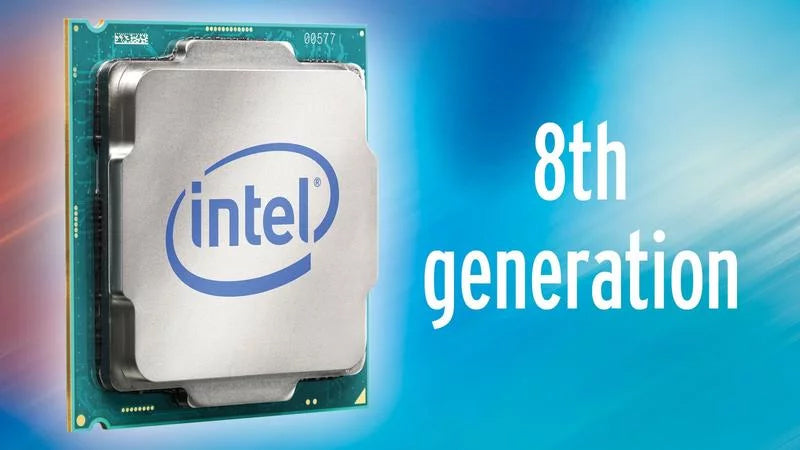
After releasing the 7th generation, or Kaby Lake, Core processors unto the world late last year, the Santa Clara chipmaker tweeted that its 8th generation chips would harbor performance 15% better than their predecessors. Since then, the Intel Coffee Lake architecture was officially revealed on September 25 and, with it, an entire lineup of CPUs and motherboards. Contrary to the company’s initial promises, however, Intel is now saying that its flagship 8th-generation Coffee Lake processor is a whopping 45% faster than its Kaby Lake equivalent, perhaps justifying the move to the Z370 chipset and, likewise, the necessity to buy a new motherboard. Unsurprisingly, this range includes two processors...